Item collections and export
Collections
Saved magic items can now be grouped into collections. Just as with creatures, add an item from its library page or from a collection, and keep it in as many collections as you like. Arrange the items in the order you want them to appear.
Export options
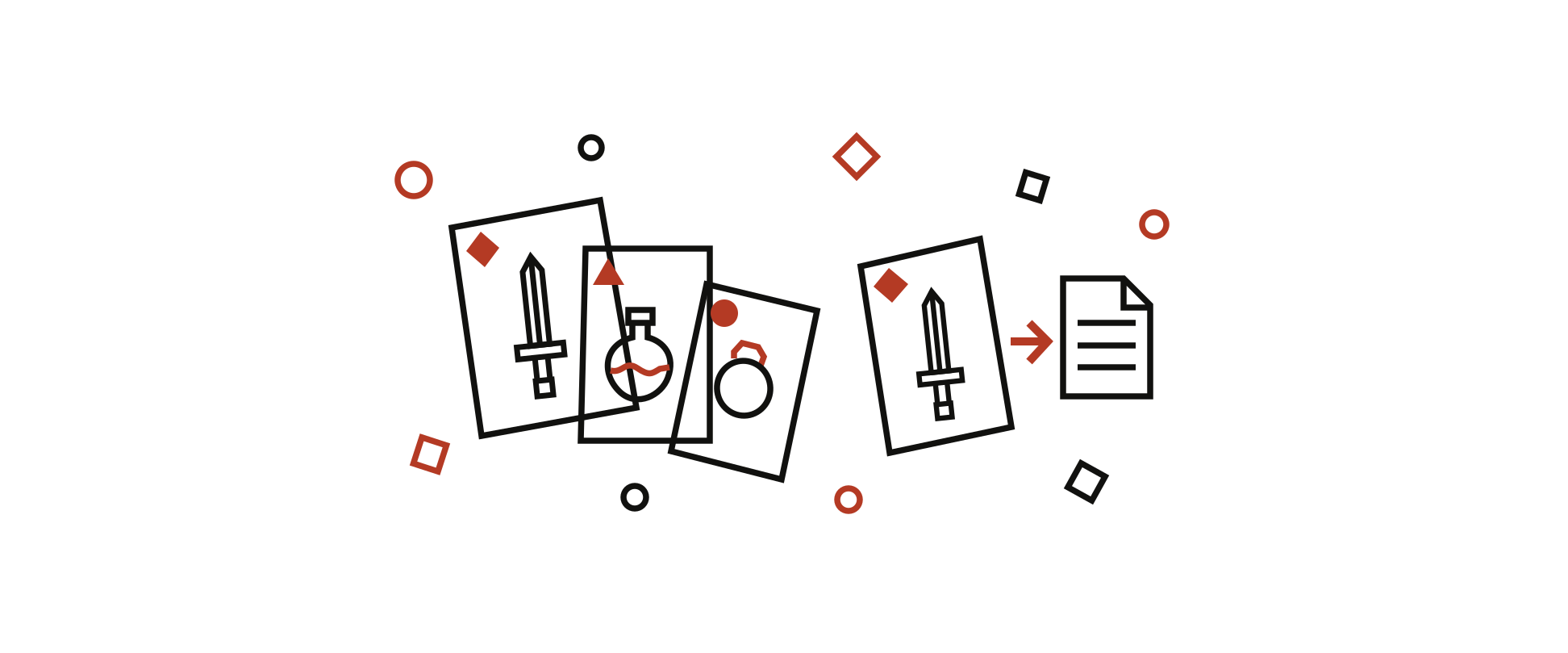
You can export an item collection as an A4 PDF, up to nine 2.5 × 3.5-inch cards on each sheet, continuing onto more sheets in your collection's order. Items that don't fit on one card are split up into multiple cards. For a single item's PNG, the image grows to fit the whole description and flows longer text into columns.
You can also export a magic item as Monsterbrew JSON from the item editor. Copy it or download the file, and share it with anyone. To bring an item back in, open Import item in the editor and pick a JSON file or paste the text.